
Fansbuy Spreadsheet Primer: the manual that takes a new Fansbuy account to a delivered box
Seven stages, each written as the screen you will see, the choice it asks for and the Fansbuy rule behind it. This is an independent site, not run by Fansbuy. Look for a product first, or start at stage one if you have no login yet.
Eight picture shelves worth a browse before stage two
Eight shelves from the product catalog. Open one, read a few listings, and keep the source link of anything you like: that link is what you carry into Fansbuy at stage two. The other eight shelves are on the Spreadsheet page.
 Hoodies and zip-upsAsk for chest width in centimetres; hood linings differ a lot.Category
 DenimWaist and inseam first, then the rise.Category
 Jackets and coatsShoulder width decides fit more than the size letter.Category
 Womenswear picksA search shelf, so expect a mix of item types.Search results
 Joggers and sweatsElastic waists forgive; inseam length does not.Category
 TeesCompare body length, not just chest.Category
 JewelleryAsk for a photo beside a ruler.Category
 Bags and crossbodiesStrap drop and depth are the numbers to ask for.Category
Fansbuy Spreadsheet, defined the way we use it here
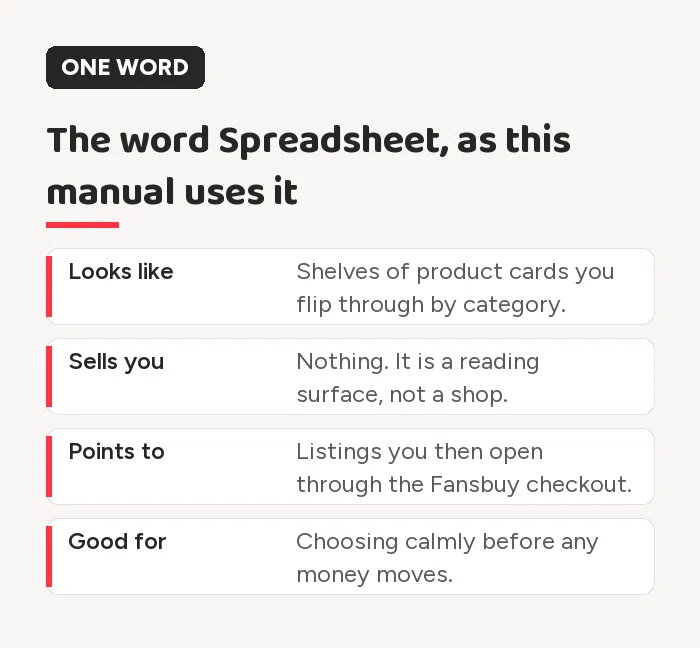
People say Fansbuy Spreadsheet when they mean a catalog of products they could order through Fansbuy: shelves of product cards grouped by type, each card pointing at a real listing on a Chinese marketplace. You browse by category, open a card, and decide whether the item is worth carrying into an order.
The catalog sells nothing. Prices on its cards are snapshots in yuan, photos are whatever the seller uploaded, and the product names are machine translations. Its job is to shorten the hunt. The buying, the checking and the shipping all happen later, inside your Fansbuy account.
This manual treats the catalog as stage two of seven. The shelves on this page and on the Spreadsheet page are the quickest way in; the choosing stage explains how to read a listing before you pay for it.
Fansbuy, the agent between you and the Chinese seller
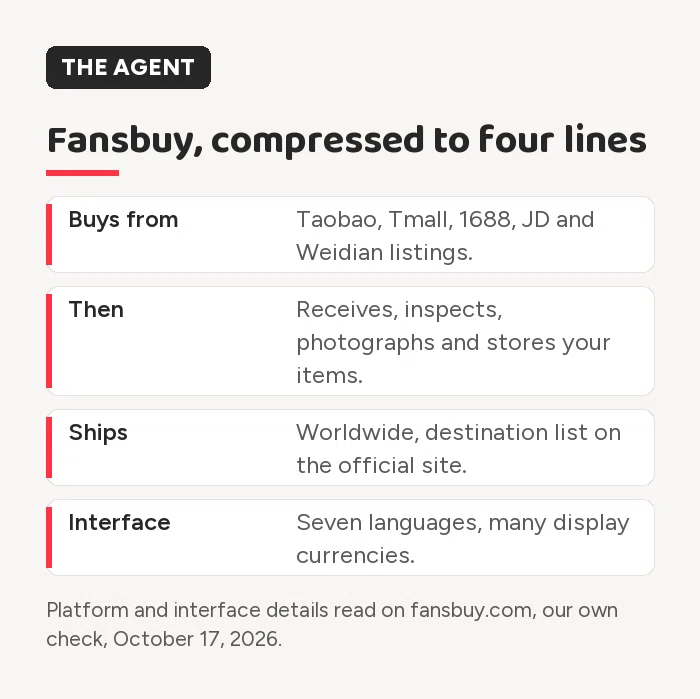
Fansbuy is a buying agent. You show it a listing on Taobao, Tmall, 1688, JD or Weidian; it pays the seller in China, receives the parcel at its own warehouse, checks and photographs the item, stores it, and later ships everything you choose to your address abroad. The site runs in seven languages and lets you display prices in 18 currencies.
The contract sits with Fansbuy Limited, a private limited company on the UK register, according to the Terms of Service dated August 2026. The warehouse city is not printed anywhere on the public site; the forwarding address appears inside your account.
One habit worth forming early: Fansbuy publishes its rules as short help articles, and most surprises in a first order are written down in one of them. This manual links the relevant article at every stage.
The route on one page, with the official video
A first Fansbuy order passes through seven stages: open an account, choose the item, pay the order, wait for the warehouse check, build a parcel, settle the freight, and take delivery. Each stage has its own page in this manual and its own short section in the Guide.
Fansbuy published a two and a half minute tutorial video that walks the same route on its own screens. It plays below after you press it; nothing loads from Fansbuy until then. The strip under this paragraph jumps straight to any stage.
Find the next Fansbuy order stage
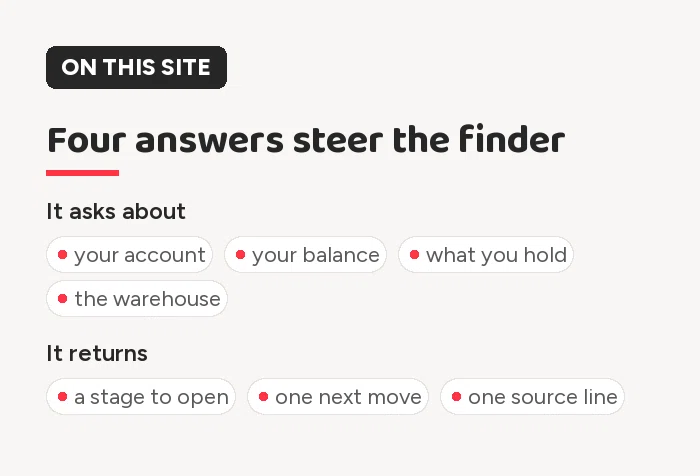
Use the pick-up point finder when you know what you have already done but not which page to read next. Answer its four questions about your account, balance, product choice and warehouse items. For example, a paid item that has not reached the warehouse needs the order stage; a stored item needs the warehouse check before parcel submission. The result links to the relevant stage of this manual.
It does no arithmetic and asks for no amounts. It is a way into this manual at the right page, not a calculator.
Fansbuy payments: goods first, international freight later
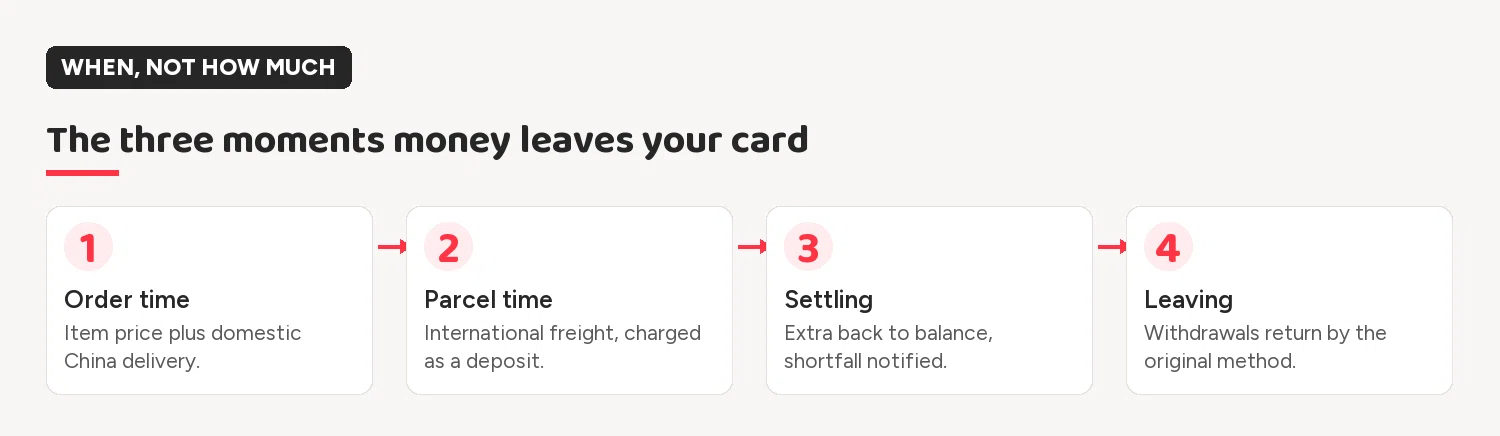
Plan for two main payments: the goods and domestic delivery at checkout, then an international freight deposit when you build a parcel. Packing can produce a later adjustment, so a deposit is not a final shipping quote. Keep a separate freight allowance instead of spending the whole budget on the listing price.
On top of those, Fansbuy adds a platform service fee when money enters your account or you pay directly, and your payment method may add its own fee. The Money page sets out each line, the exchange rate question and how withdrawals work.
Reasons to pick Fansbuy, and reasons to read this manual
Fansbuy does what every buying agent does; the differences are smaller and more specific. JD sits on its platform list beside Taobao, 1688 and Weidian. Freight is charged as a deposit that settles after packing. The help library exists in all seven interface languages. The Why Fansbuy page covers those, and the days another agent suits you better.
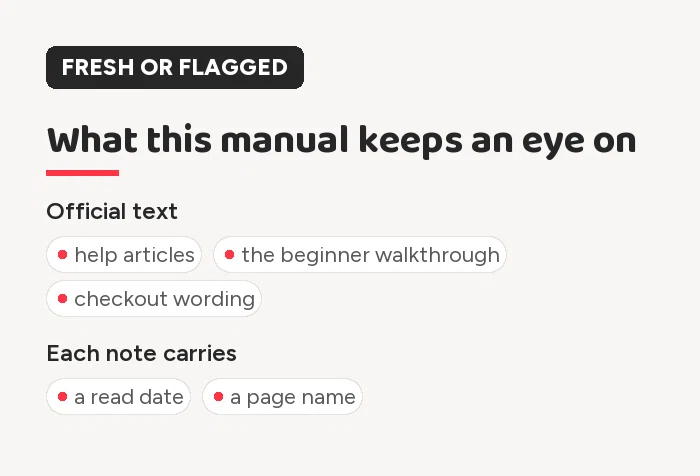
As for this site: every rule quoted here names its Fansbuy page and the date we read it, outbound links are tested before each revision, and the site log lists what changed. If a line here disagrees with fansbuy.com, fansbuy.com wins and we want to hear about it.
Latest movement on fansbuy.com
Three changes from the last few months matter to a first order. The Terms of Service were re-issued in August 2026 naming a UK company. The help centre moved to a new article system the same month, which is why older links to Fansbuy help pages sometimes open an empty shell. In September 2026 Fansbuy published withdrawal instructions that spell out processing times and how the platform service fee is handled when money goes back out.
Dated notes on these, and on how to read community posts about any agent, are on the Updates page. Questions that do not fit a stage are answered on the FAQ page.